Black & White Facilities / Service area
Security, Access and Telecommunications
This category covers the systems and arrangements that decide who and what gets into a managed site: cameras, alarms, access control, entry panels, powered entrances, boundary measures, network cabling and communications equipment. Where the requirement includes guarding, keyholding or lone-worker cover, it needs written operating instructions and named responsibilities alongside the hardware.
Individual services
16 services
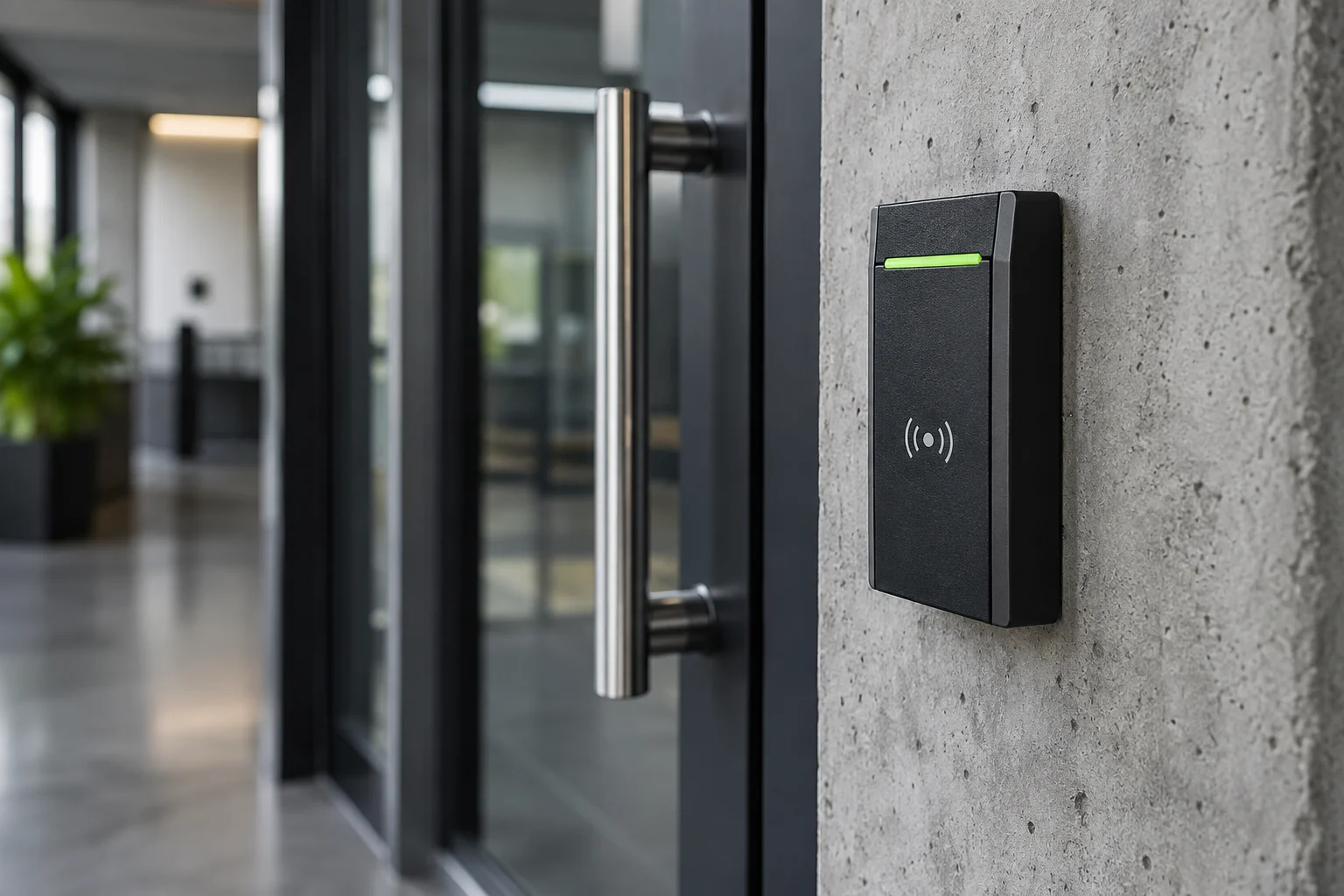
Illustration Access Control — Which credentials open which doors, and who issues, changes and withdraws permissions.
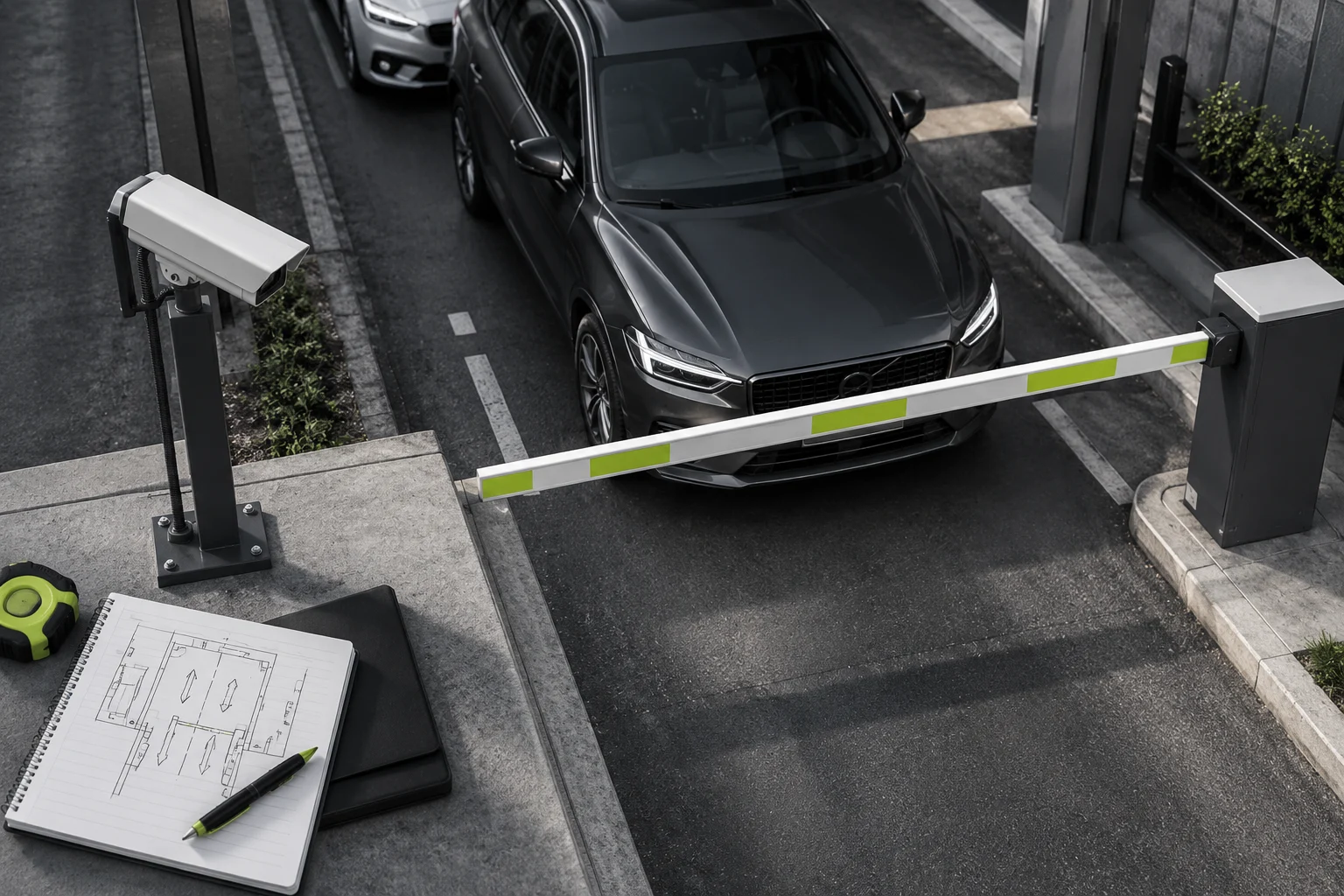
Illustration ANPR and Vehicle Access — Number-plate recognition informing entry decisions on a controlled vehicle route.
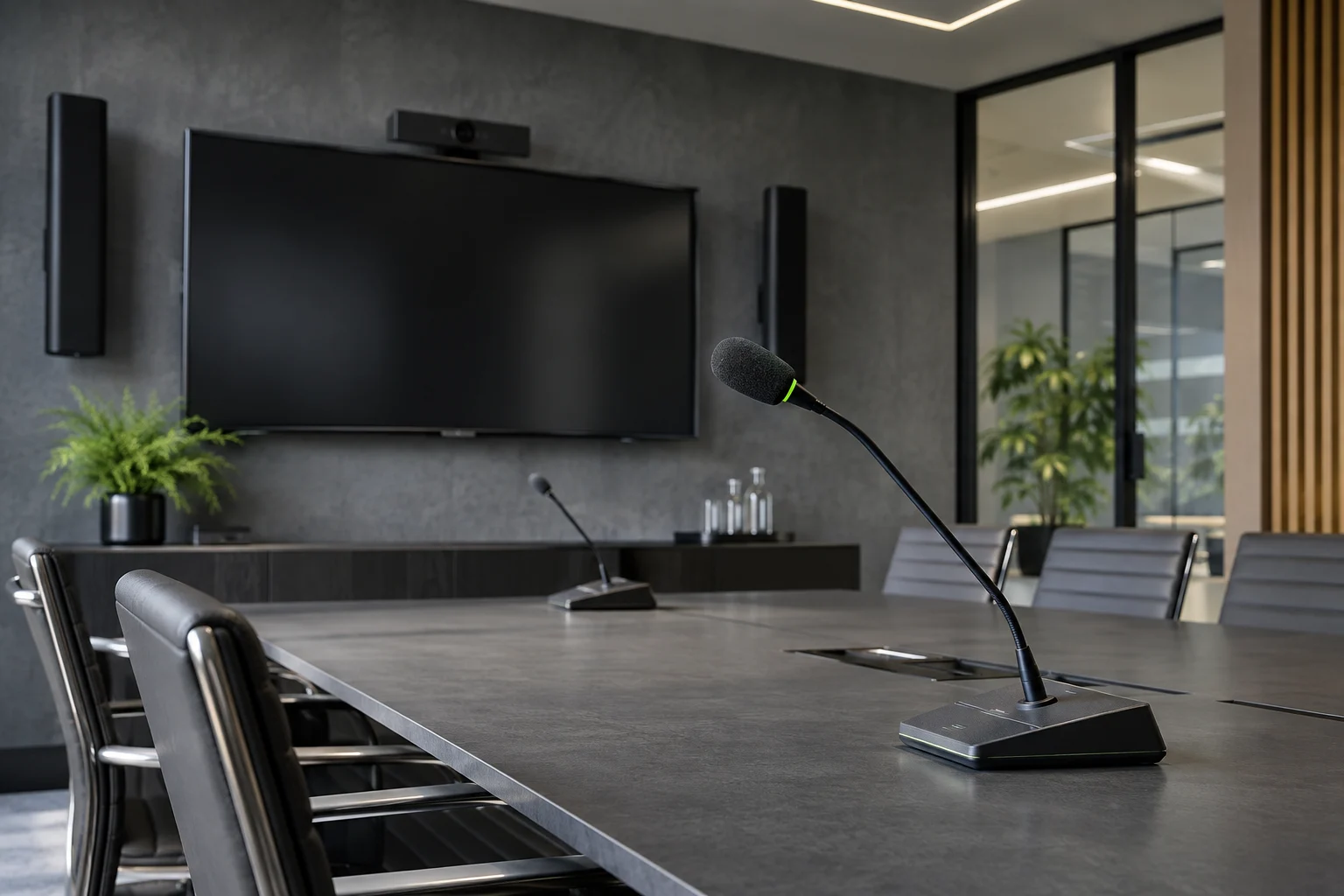
Illustration Audio-Visual and Public Address — Sound, display and announcement equipment matched to the rooms and the people using them.
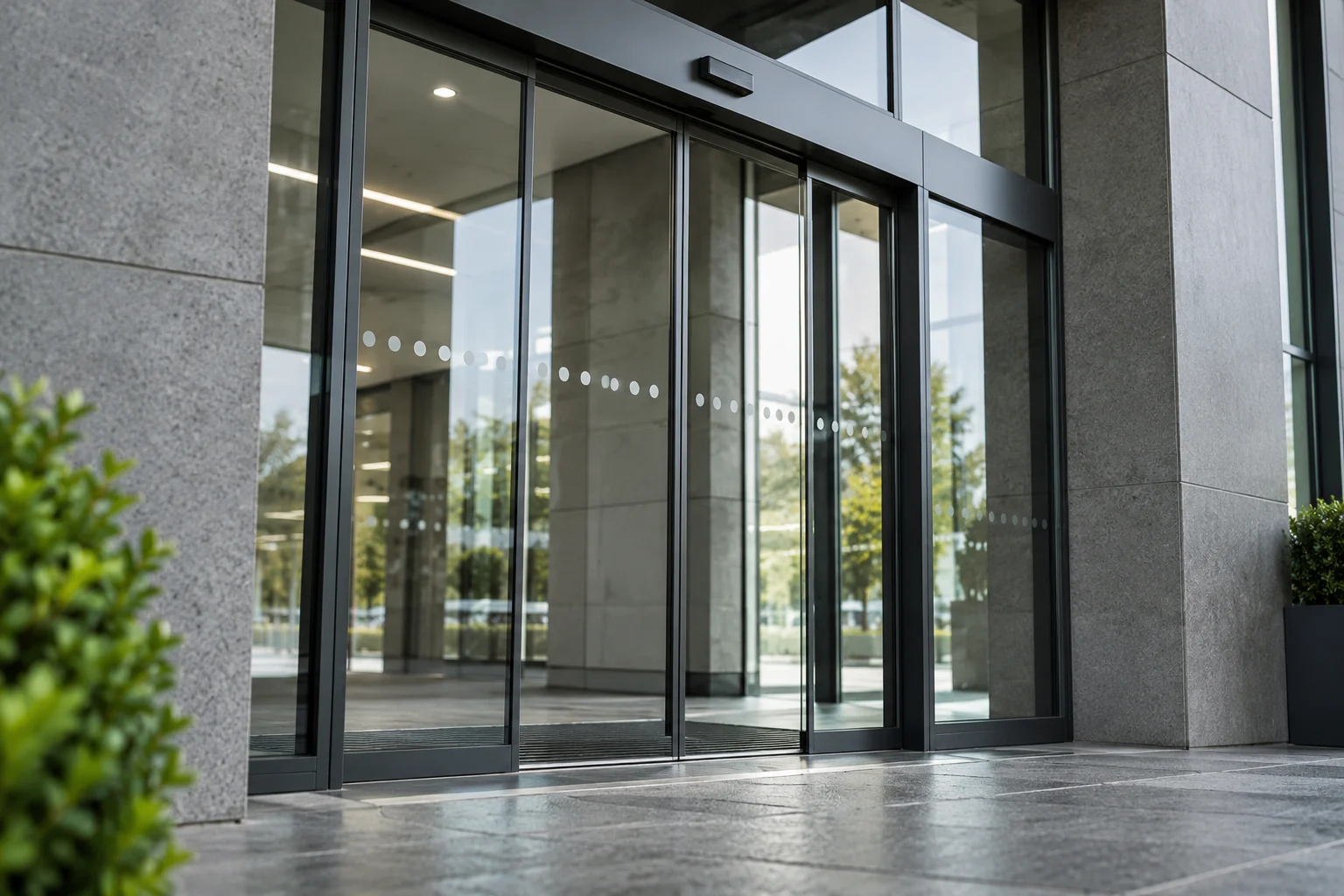
Illustration Automatic Doors — Powered pedestrian entrances with their activation, sensing and protective functions.
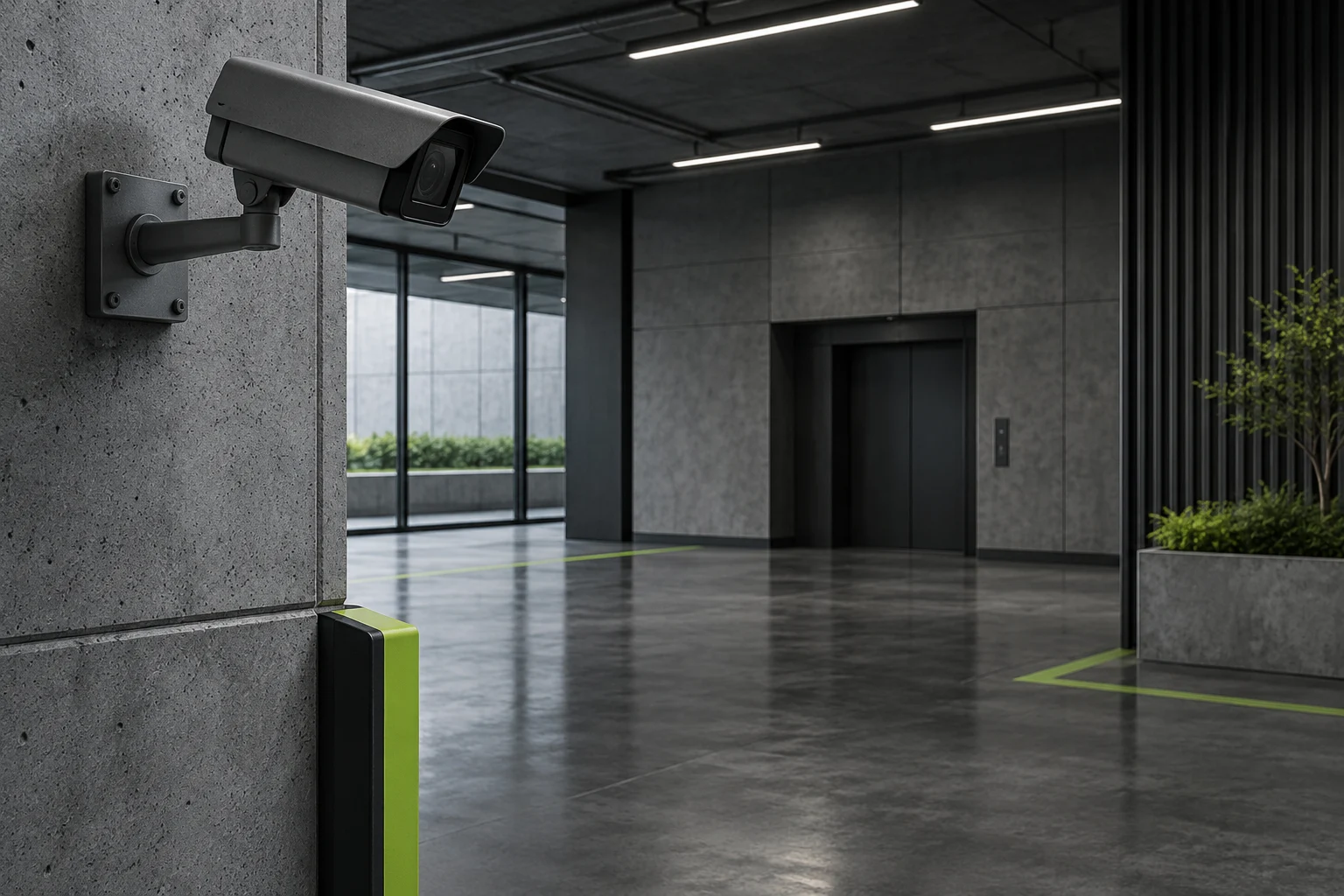
Illustration CCTV — Cameras and recording designed, installed, serviced or upgraded for a stated surveillance purpose.
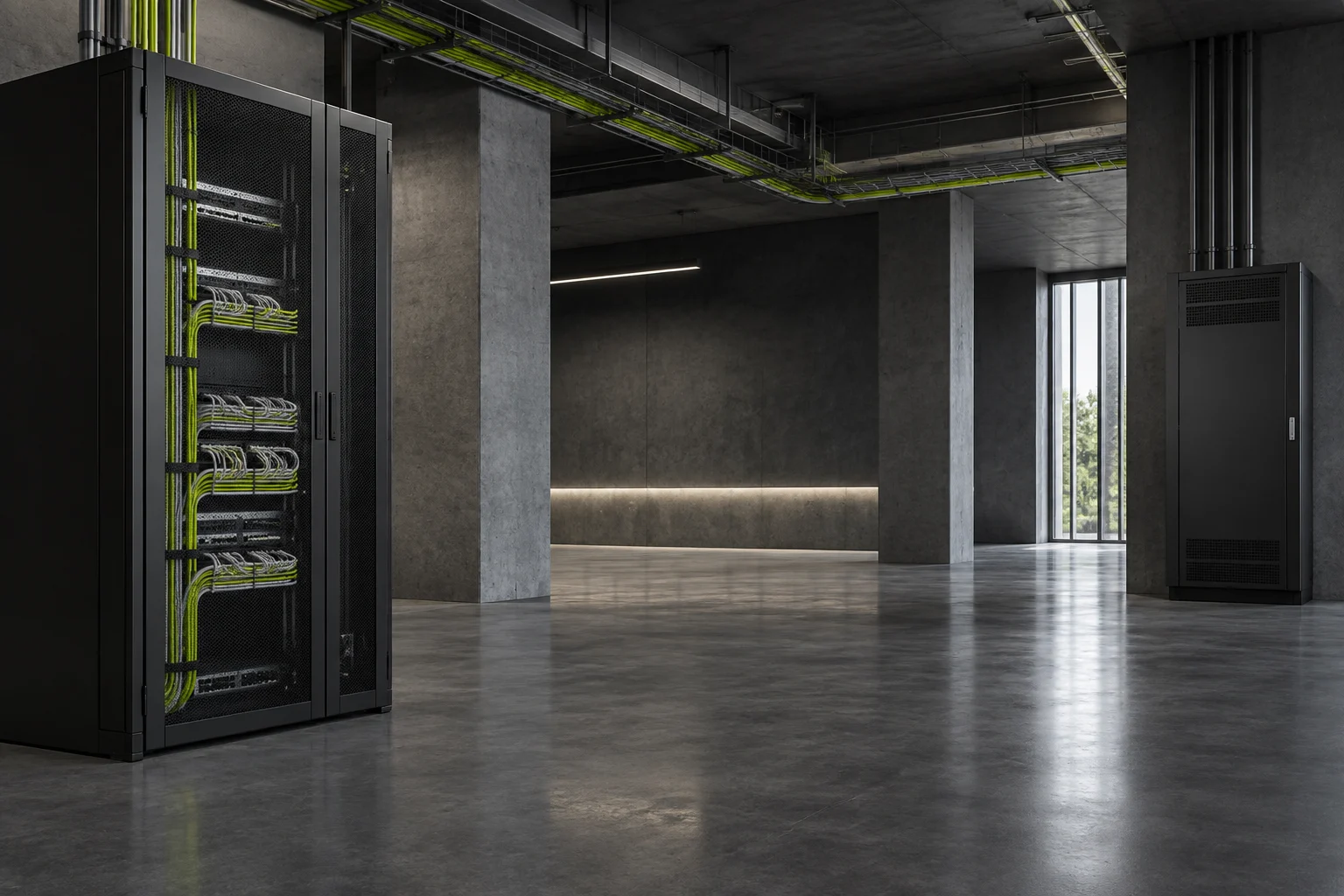
Illustration Data Cabling and Networks — The cable runs and network equipment that connect the building's agreed devices and business systems.
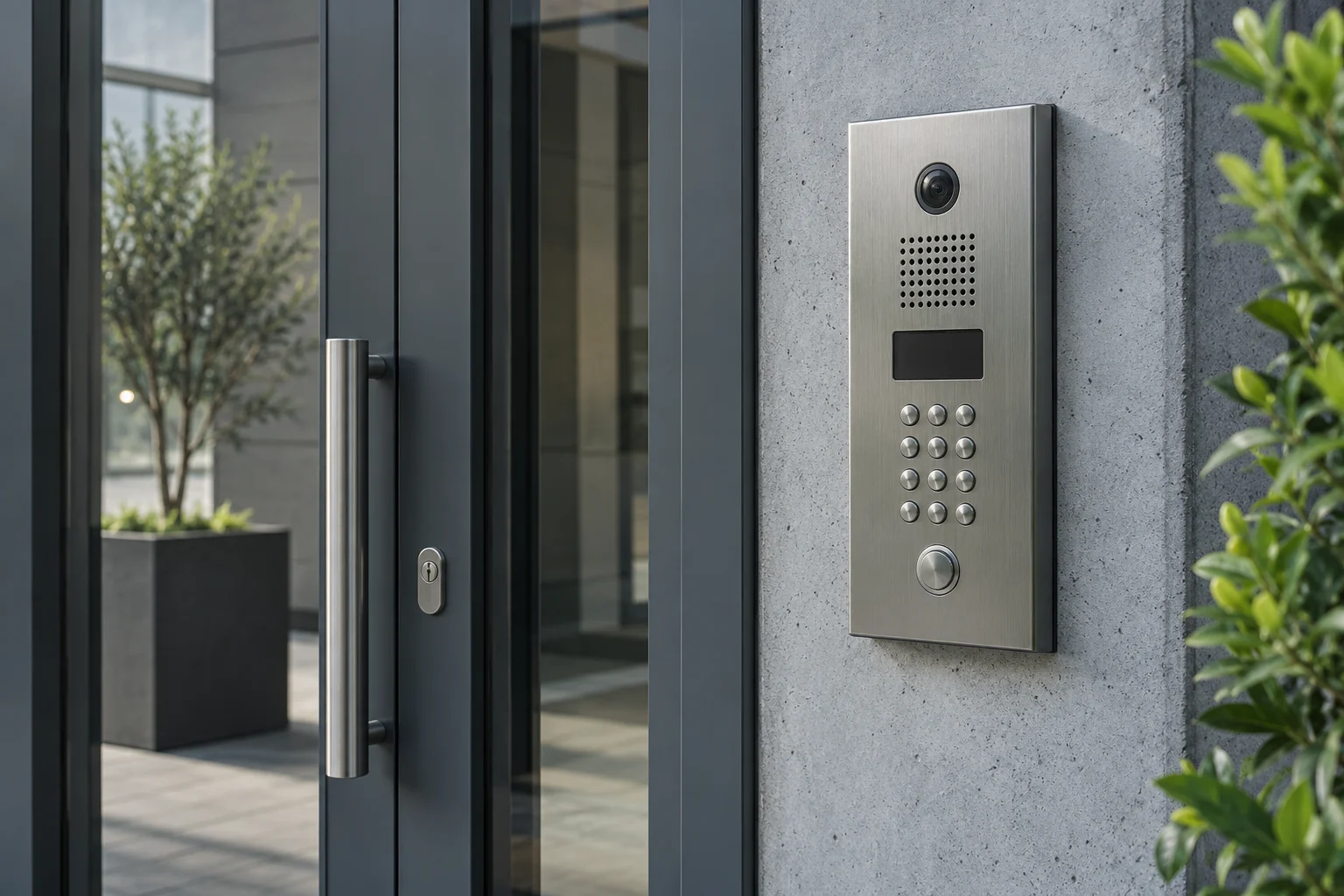
Illustration Door Entry and Intercoms — Panels and internal stations that let occupants speak to callers and release an agreed entrance.
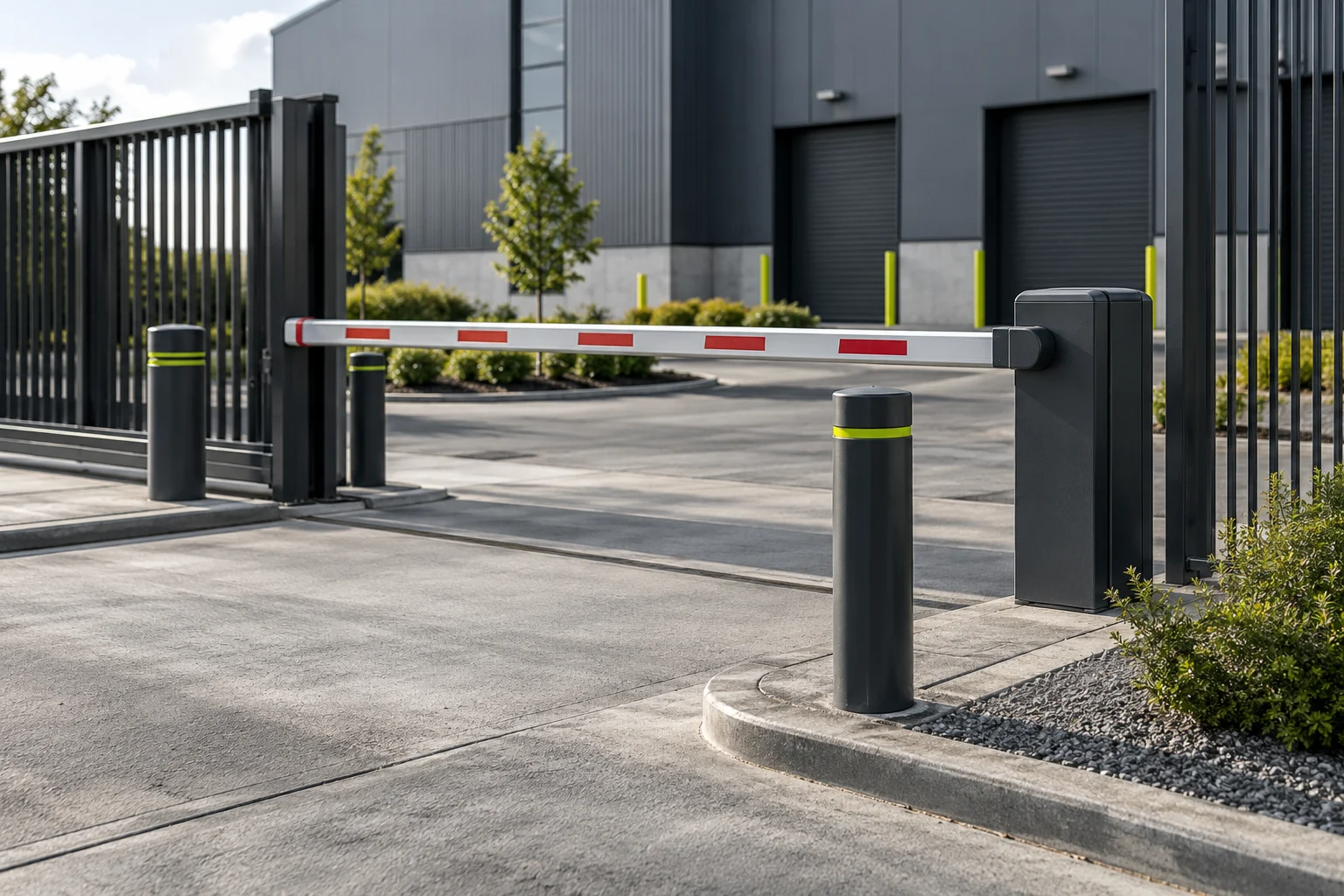
Illustration Gates, Barriers and Bollards — Vehicle and pedestrian access equipment at the boundary, including the movement and trapping hazards it creates.
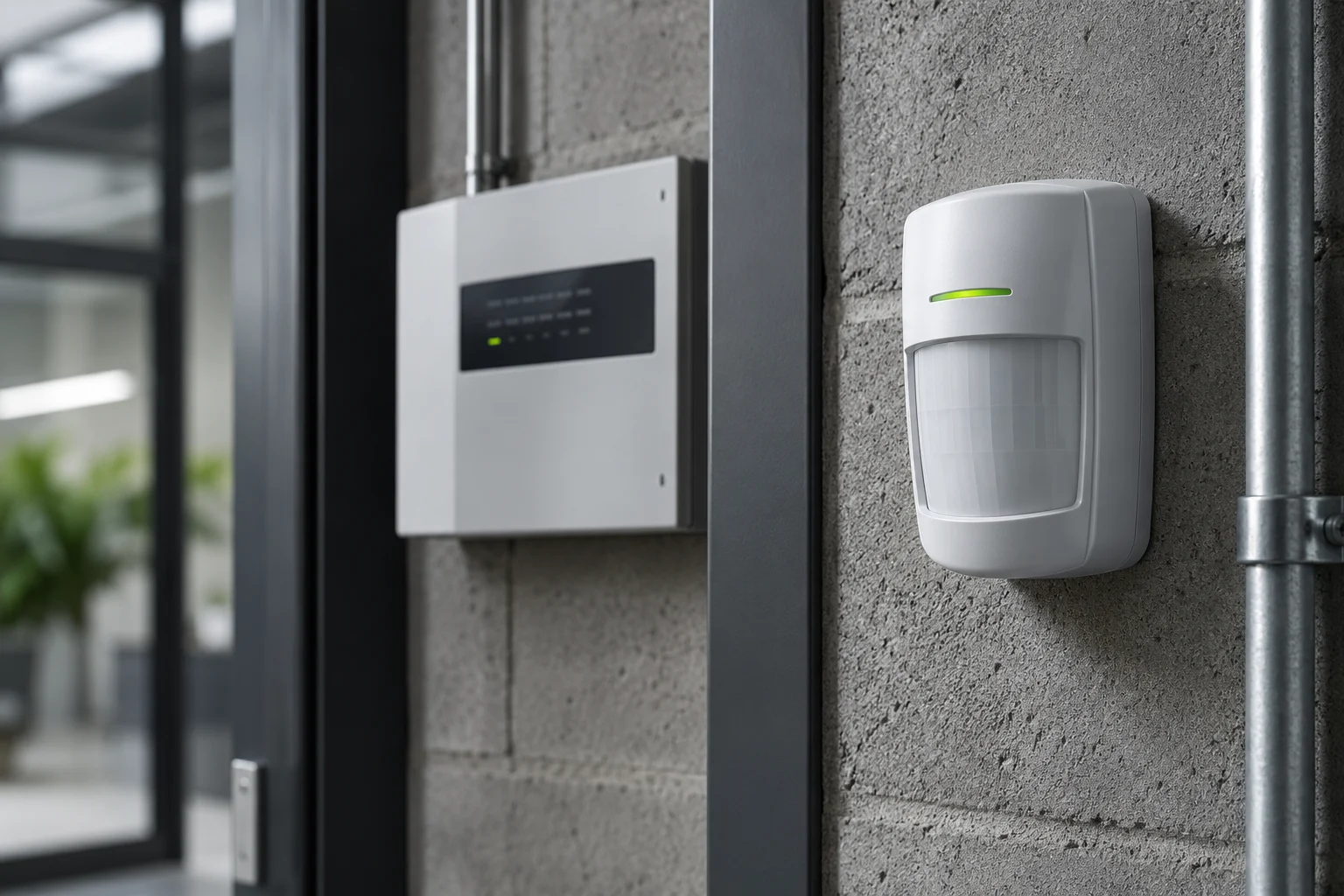
Illustration Intruder Alarms — Detection devices, control equipment and the signalling or response route agreed for an unauthorised entry.
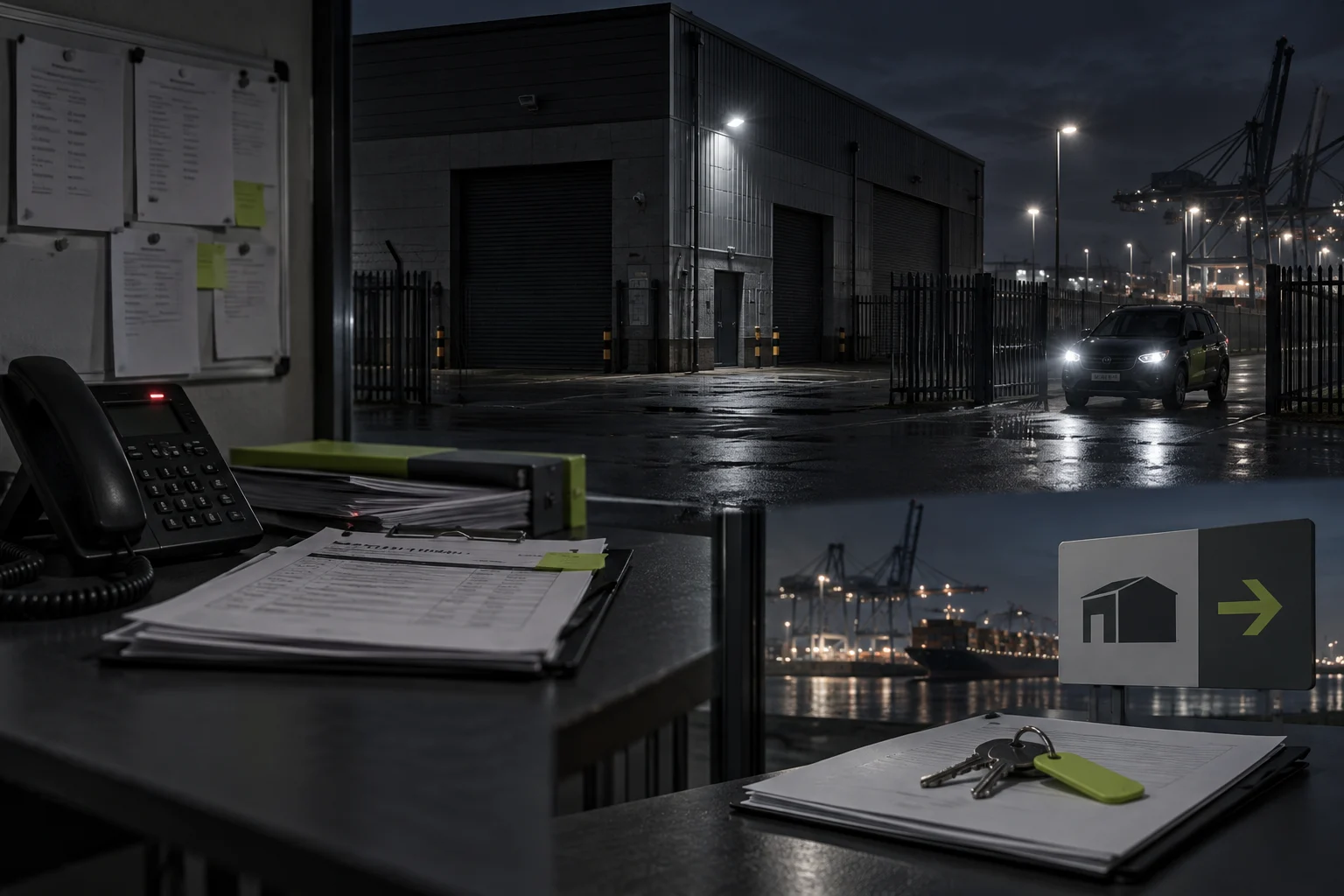
Illustration Keyholding and Alarm Response — Who attends after an alarm activation and how their authorised access is organised.
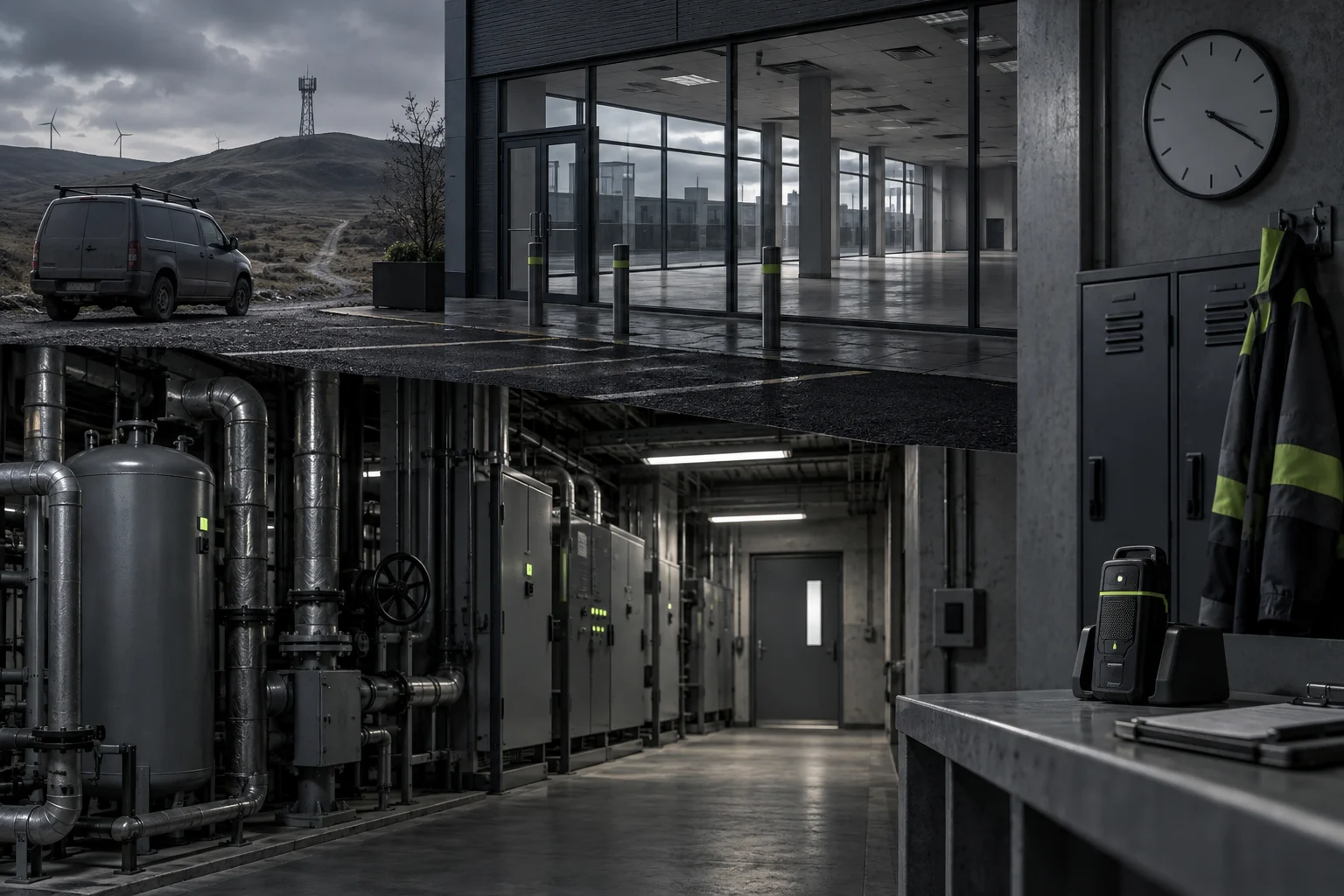
Illustration Lone-Worker Systems — Check-in, alert and escalation routines for staff working out of sight of colleagues.
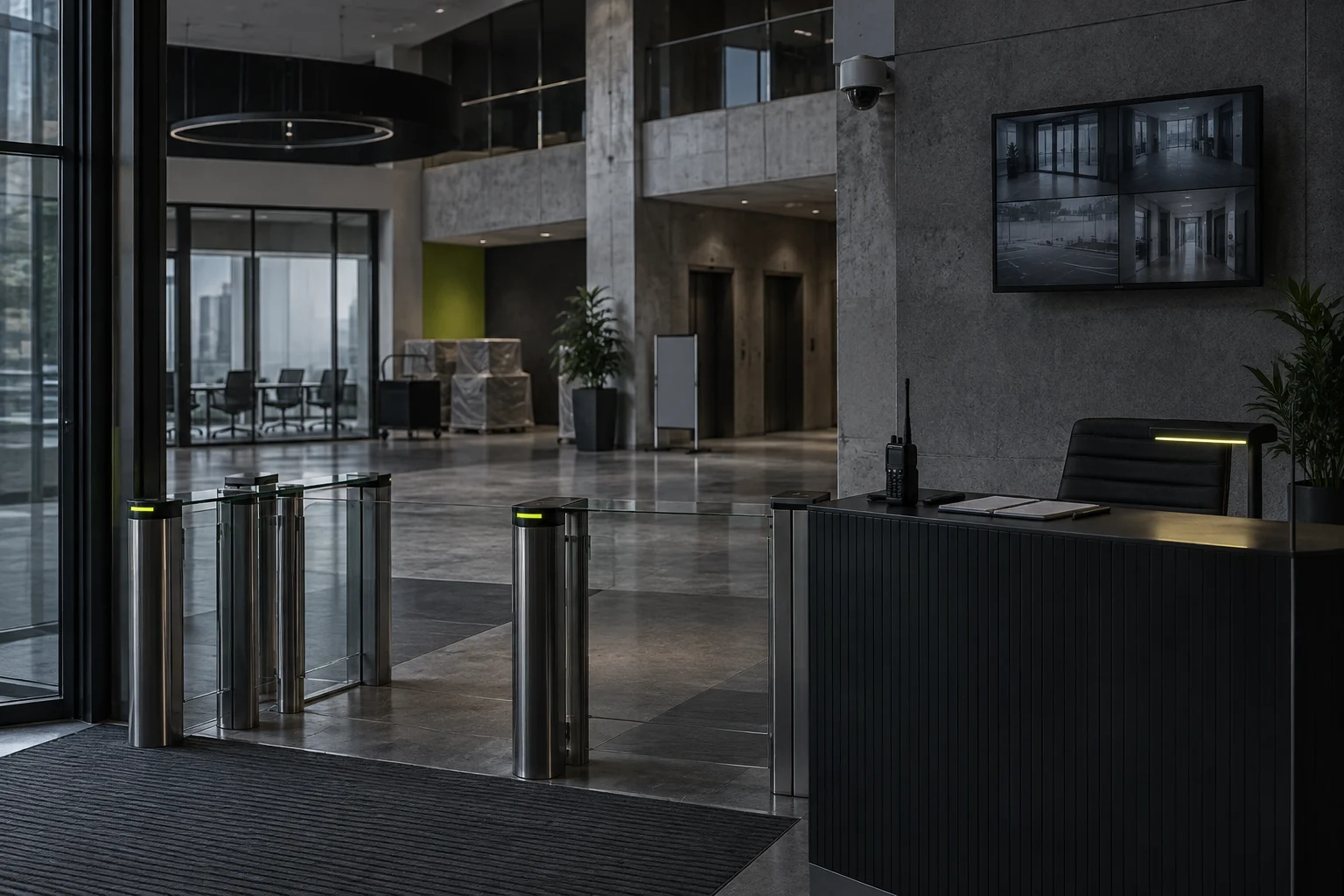
Illustration Manned Security — Staffed cover defined by the people deployed, their duties and their reporting.
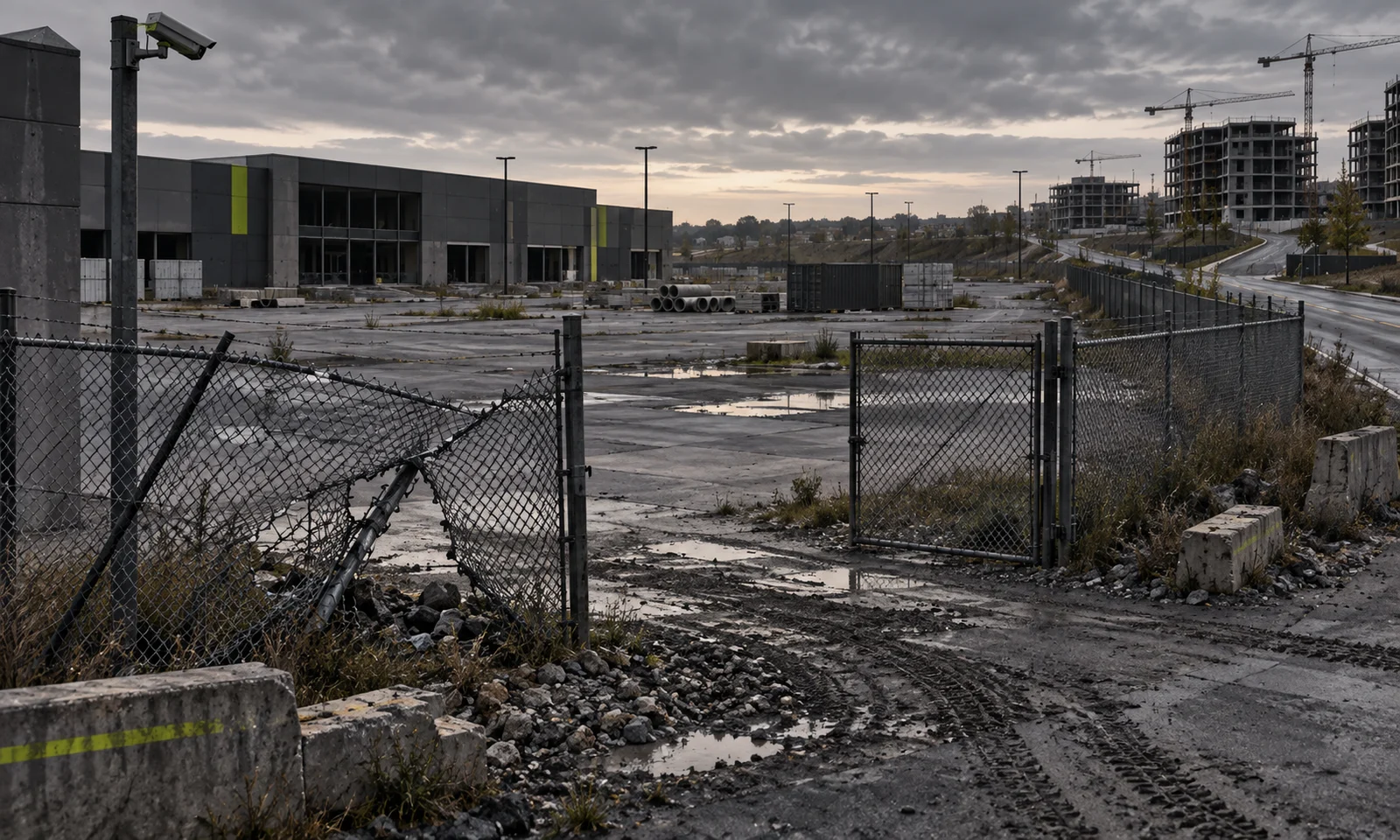
Illustration Perimeter Security — The boundary measures a site uses to deter, reveal or restrict unauthorised entry.
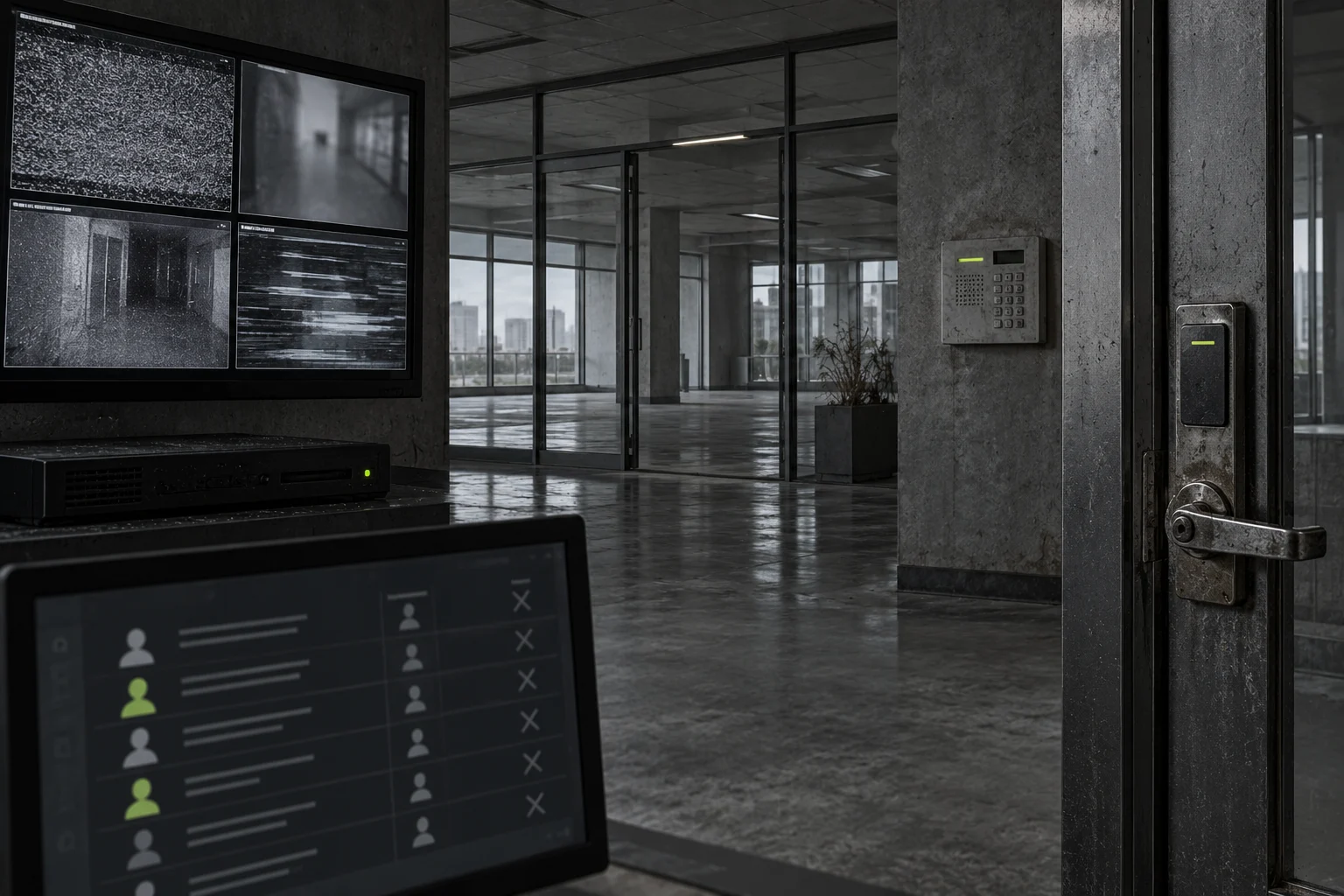
Illustration Security-System Maintenance — Scheduled checks on the detection, recording and access equipment a site relies on.
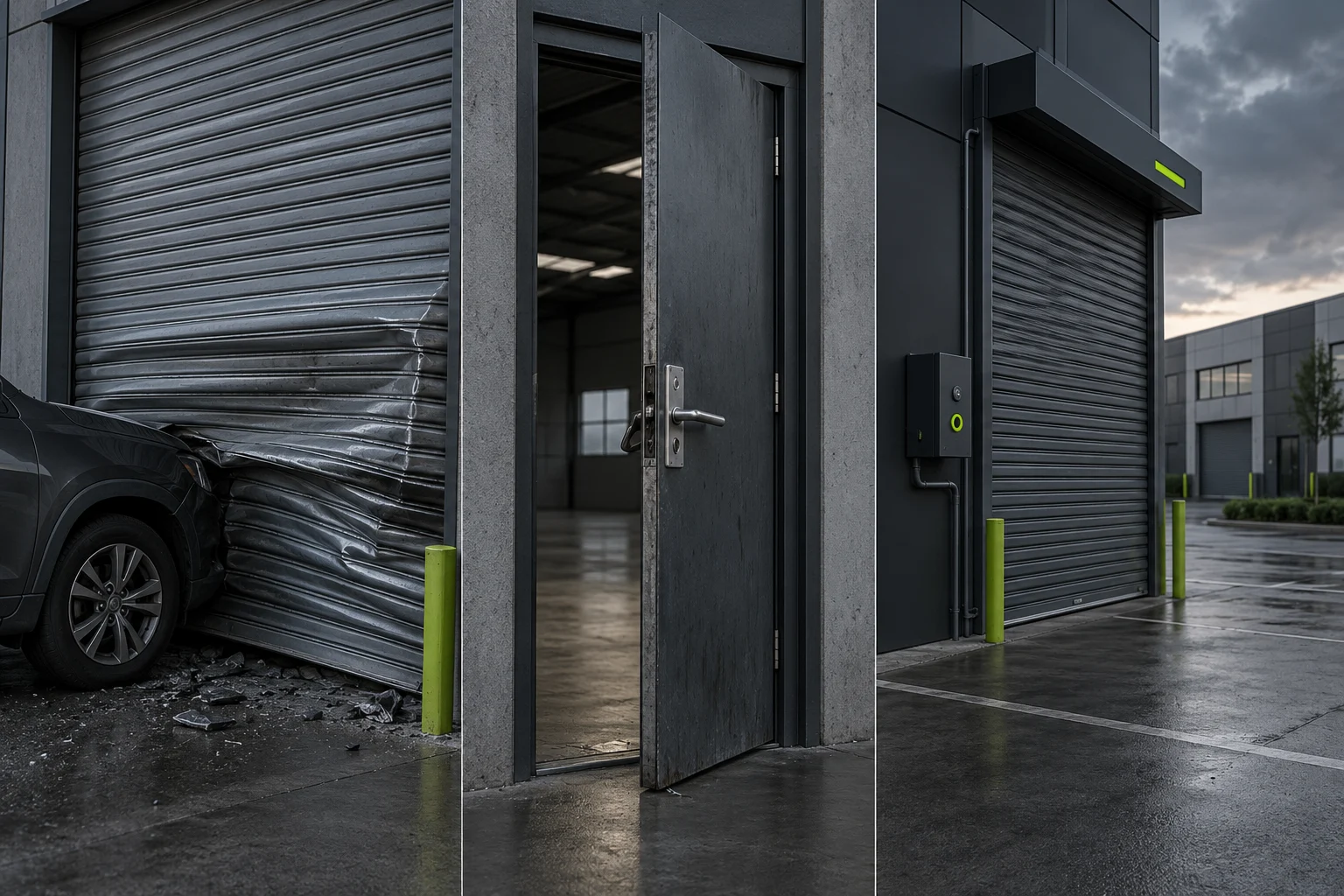
Illustration Shutters and Security Doors — Physical protection at openings, covering dependable operation and the condition of the whole assembly.
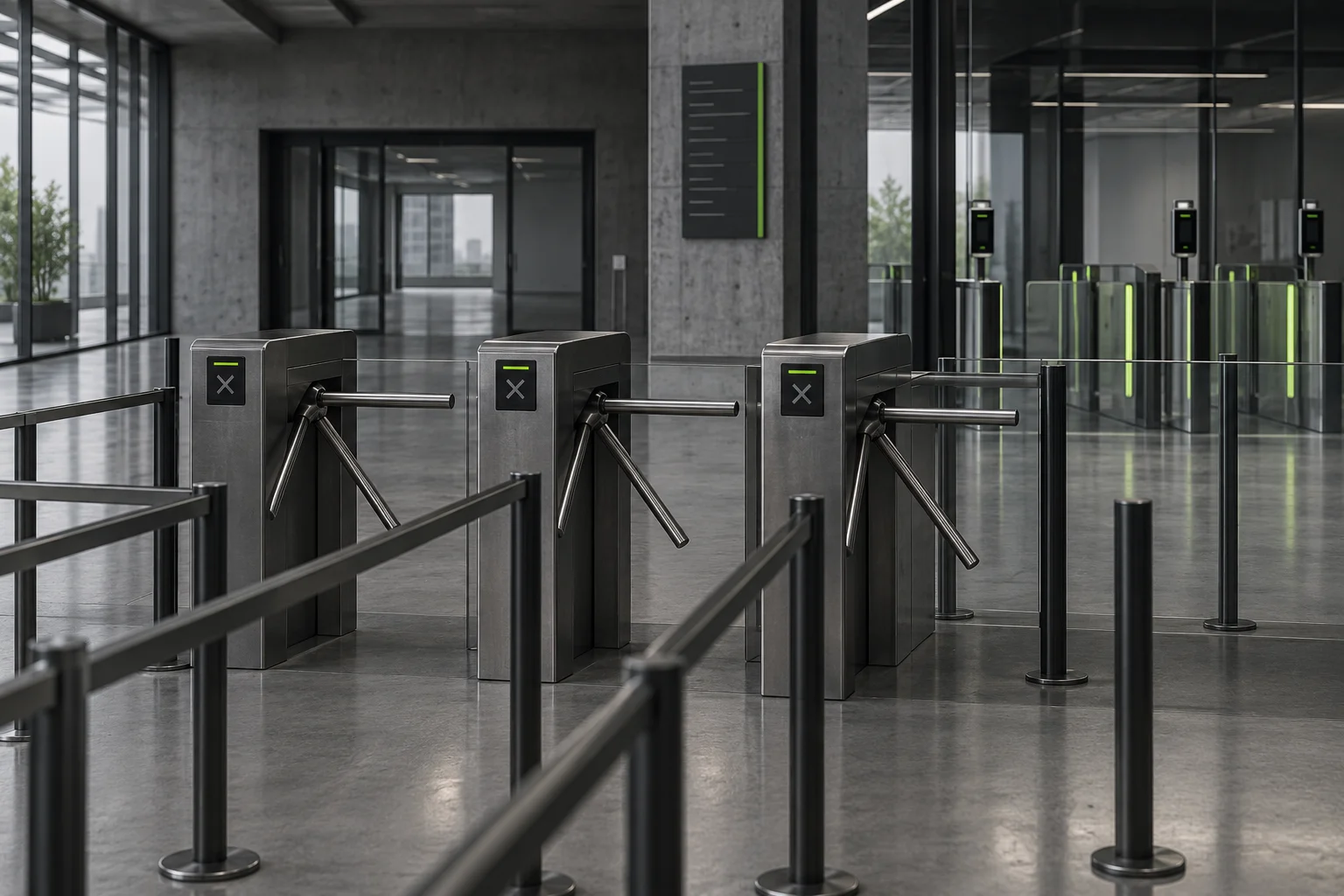
Illustration Turnstiles — Controlled pedestrian passage through a defined lane and its access-control interfaces.
Our full service catalogue, including every individual service, is available across every listed sector and location. For one site or several, we agree the scope, access and programme around the buildings concerned.
Which service do you need?
Start with the outcome rather than the product. Deterring entry, locking a door, capturing usable images, alerting a named person and sending someone to attend are separate functions. Before choosing hardware or a service, confirm who administers permissions, who receives alerts and who is accountable for any personal data held.
Repairs, maintenance and projects
A fault reported today, a servicing routine that recurs and a planned upgrade are three different instructions, and the paperwork should say which applies. When a job moves between them, carry the original findings across so the work still addresses the problem first reported. Ongoing arrangements are described under maintenance and coordinated change under projects.
Across an estate, connect what is found at one site to the asset register and the capital plan, without letting that wider view push an urgent local defect down the list.
Planning the work
Security equipment sits alongside escape routes, accessible entry, privacy obligations, power and the network, and each needs checking before a change is made. Arrange live tests with the people who will receive the signals, and give occupants an agreed way in and out while work is under way. Connected systems need a named account owner and a plan for handing over administrator details. Send the site contacts, any operating restrictions and your report format, so results can be filed against your records.
Work across sectors
In offices and schools the task is keeping permissions in step with staff turnover and visitor flows. Residential blocks depend on entry communication that works for residents every day. Logistics sites manage vehicles and people at the same gate, and premises open to the public need entrances every visitor can use. See the full list of sectors; these examples illustrate rather than limit the range.
Locations covered
Sites across Northumberland, Tyne and Wear, County Durham and Tees Valley are covered, including Newcastle upon Tyne, Gateshead, Sunderland, Durham, Darlington and Middlesbrough; the location directory lists the areas in detail. For an estate programme, list every address and its local contact so attendance can be planned site by site.
Frequently asked questions
Can I enquire without knowing which service I need?
Yes. Set out the problem, the system or area it affects and the outcome you want. An earlier report or fault log usually shows whether the right first step is an assessment, a servicing visit or a repair.
Can an inspection and the resulting repairs be organised together?
They can be arranged as one instruction, provided the inspection findings, the proposed repair and the approval for it are recorded as separate steps. Some equipment needs specialist examination or an independent check, so one visit will not always cover every stage.
What changes the cost?
The kind of system and building, how much is in scope, how easy it is to reach and its condition set the baseline. Missing records, conditions hidden until work starts, interim arrangements and restrictions on working hours can add investigation or coordination time.
What information will help with an enquiry?
Give the address, the asset or area concerned, the symptoms or planned change, any earlier reports and any limits on access. For more than one site, add your asset references and the order of priority.
Guides and supporting information
Two guides support this category: how commercial access control works and tracking remedial actions. For the wider technical and management background, see the official guidance. File reports, photographs and completion records against the correct property and job so they can be found later.
Related work
Everything here can be reached from services, maintenance, projects, sectors and locations. Each service page above sets out the decisions and preparation that precede an instruction.
Make an enquiry
Give Black & White Facilities the list of sites or assets, any findings you hold and the operational priorities that shape the timing. Agree reporting lines and responsibilities as part of the technical scope. Discuss your requirement.
Discuss the scope
Tell us what needs attention.
Share the site, the issue and any access requirements so we can discuss the next step.